Features:
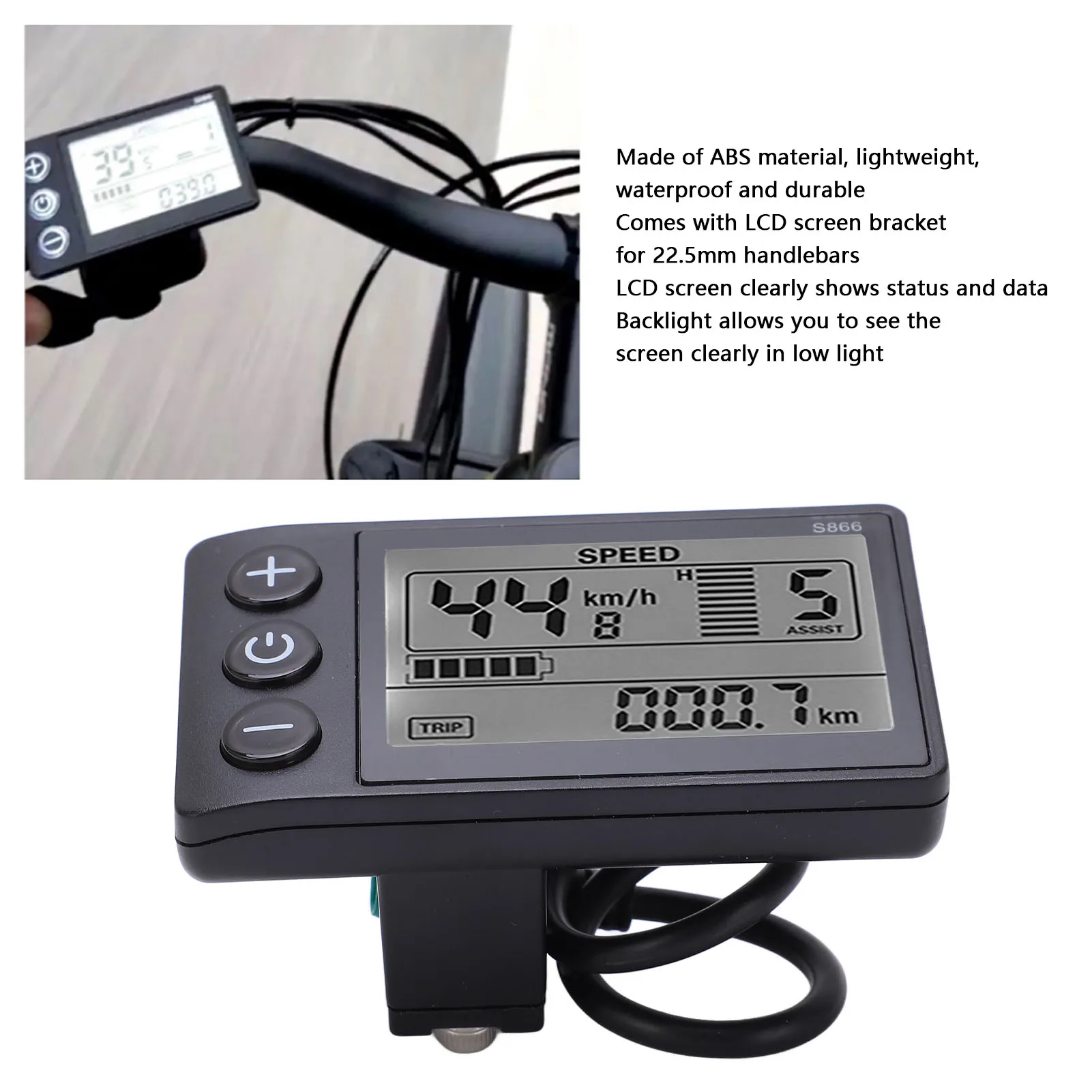
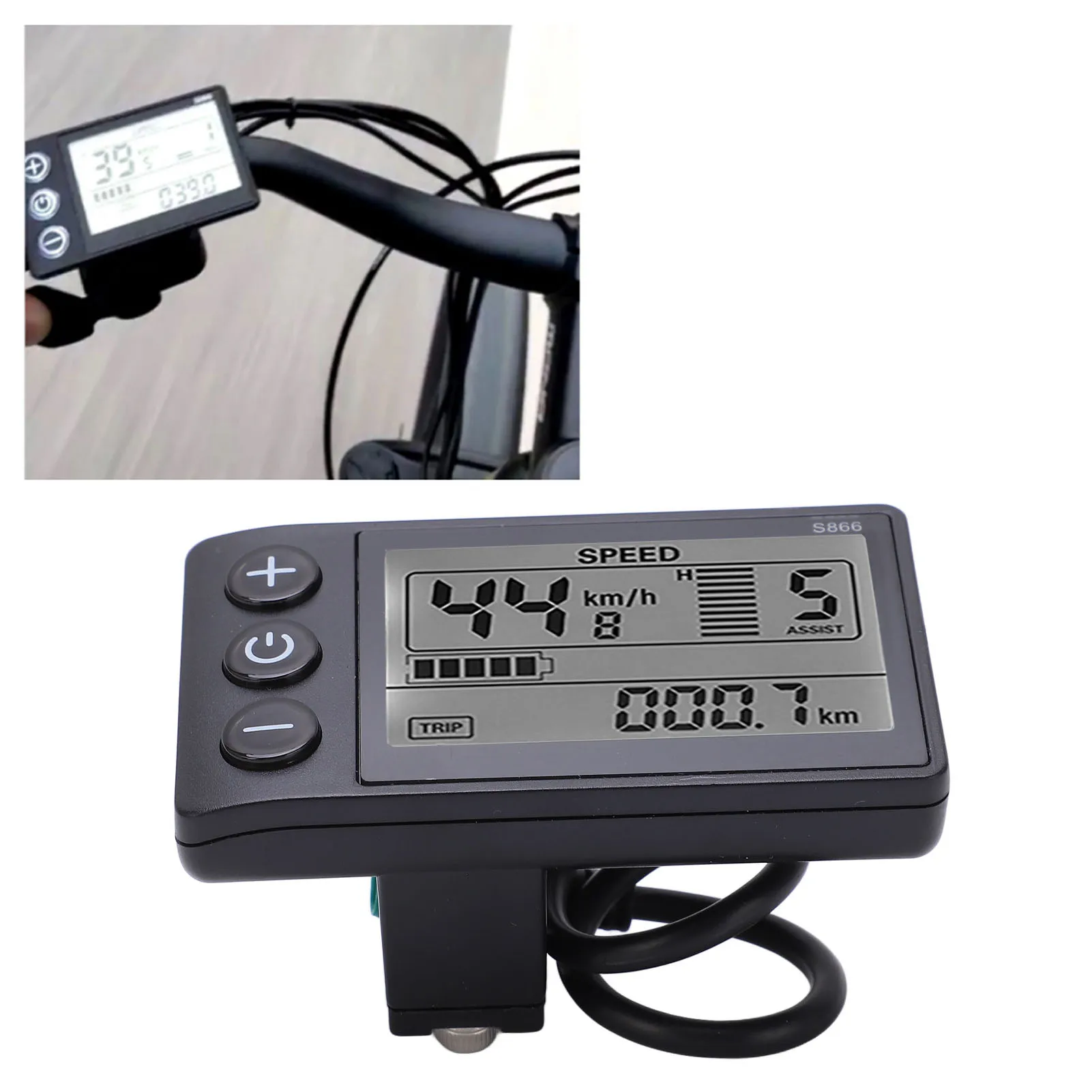
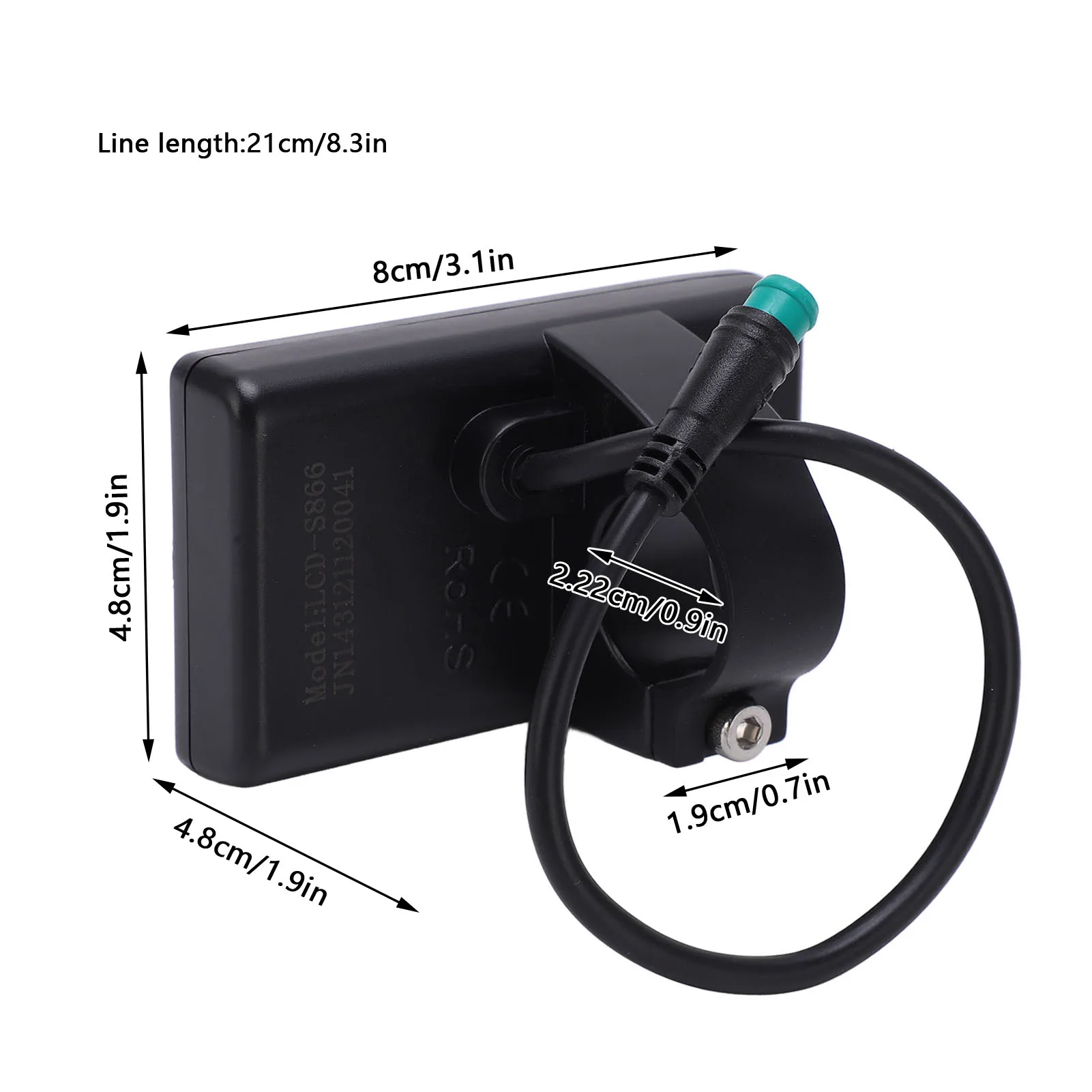
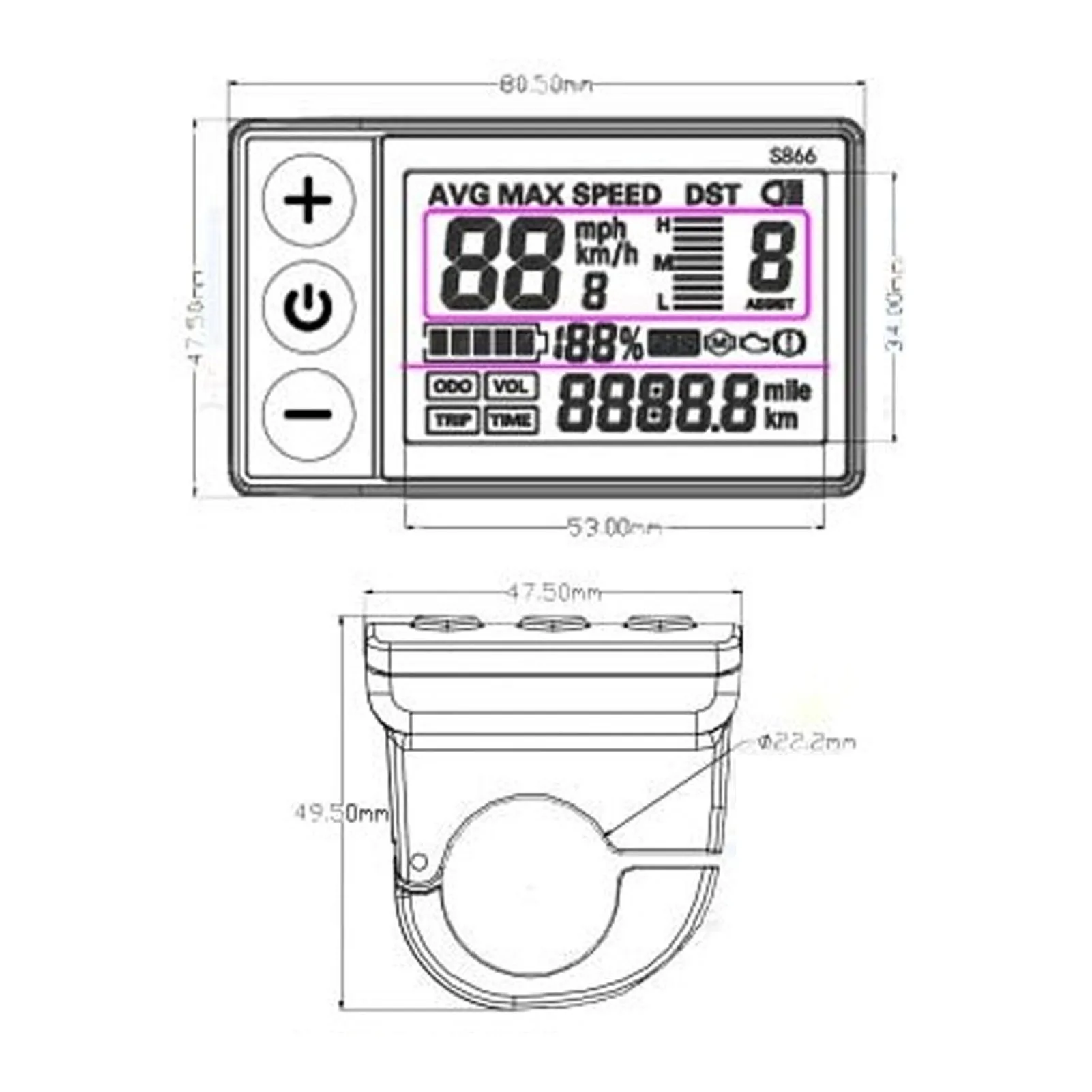
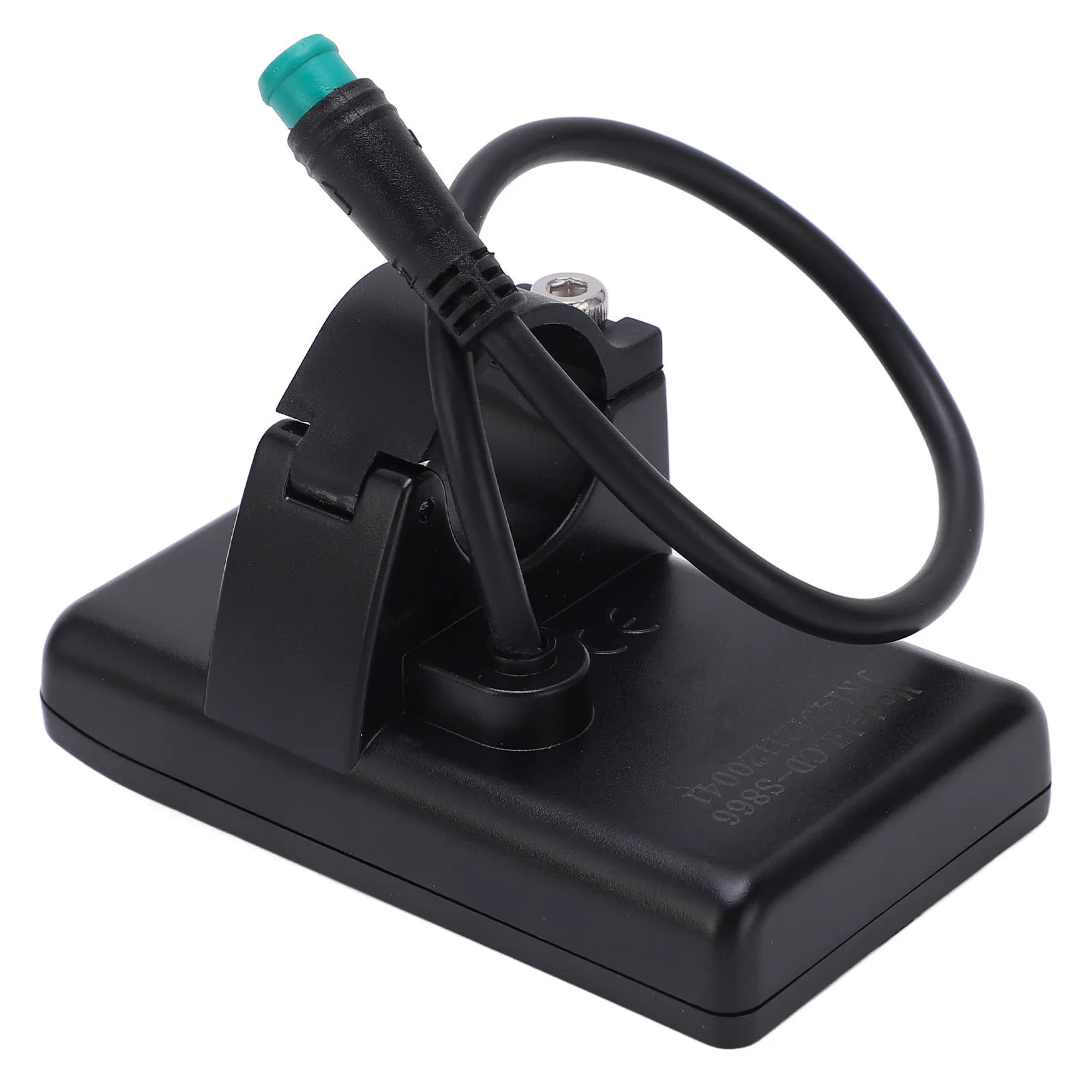
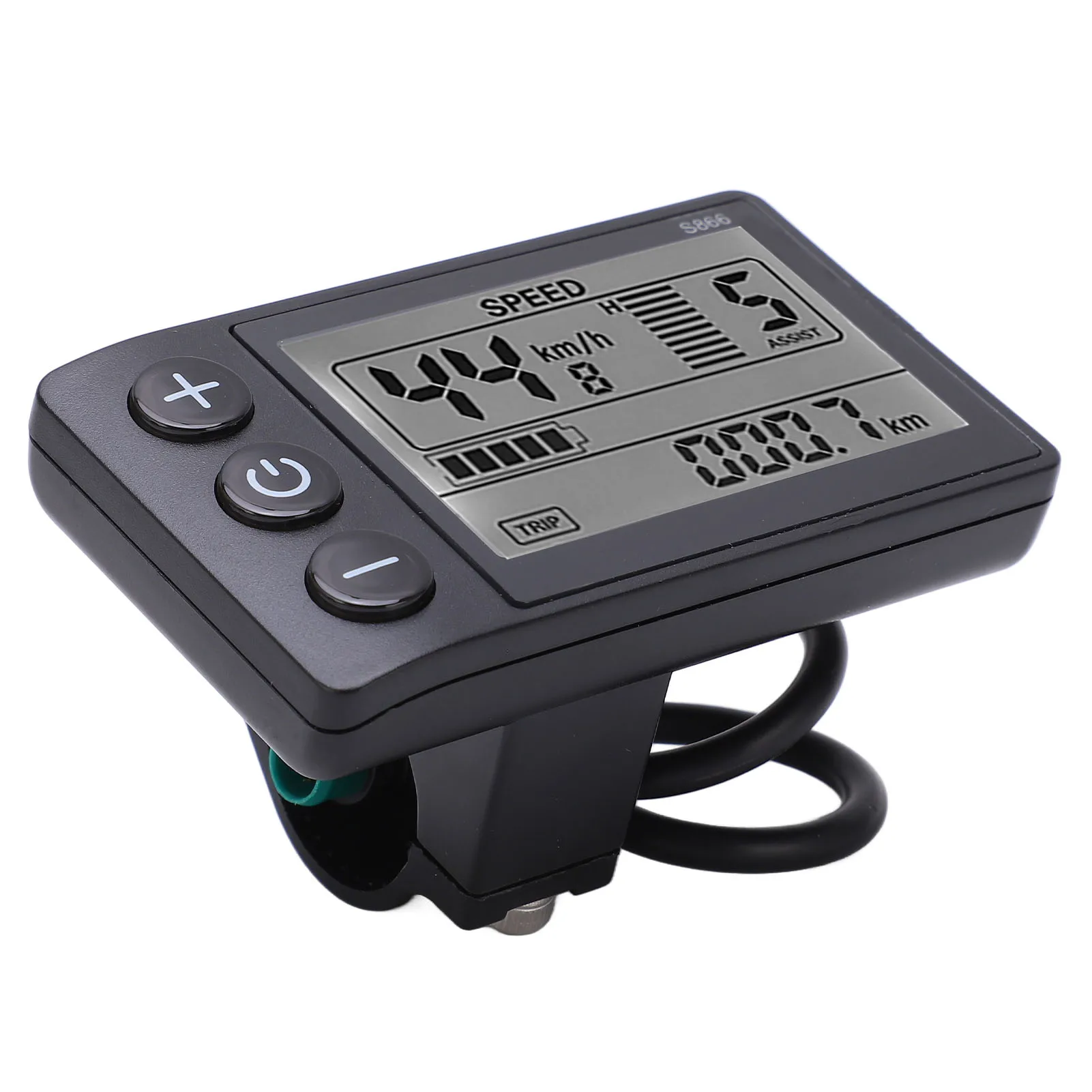
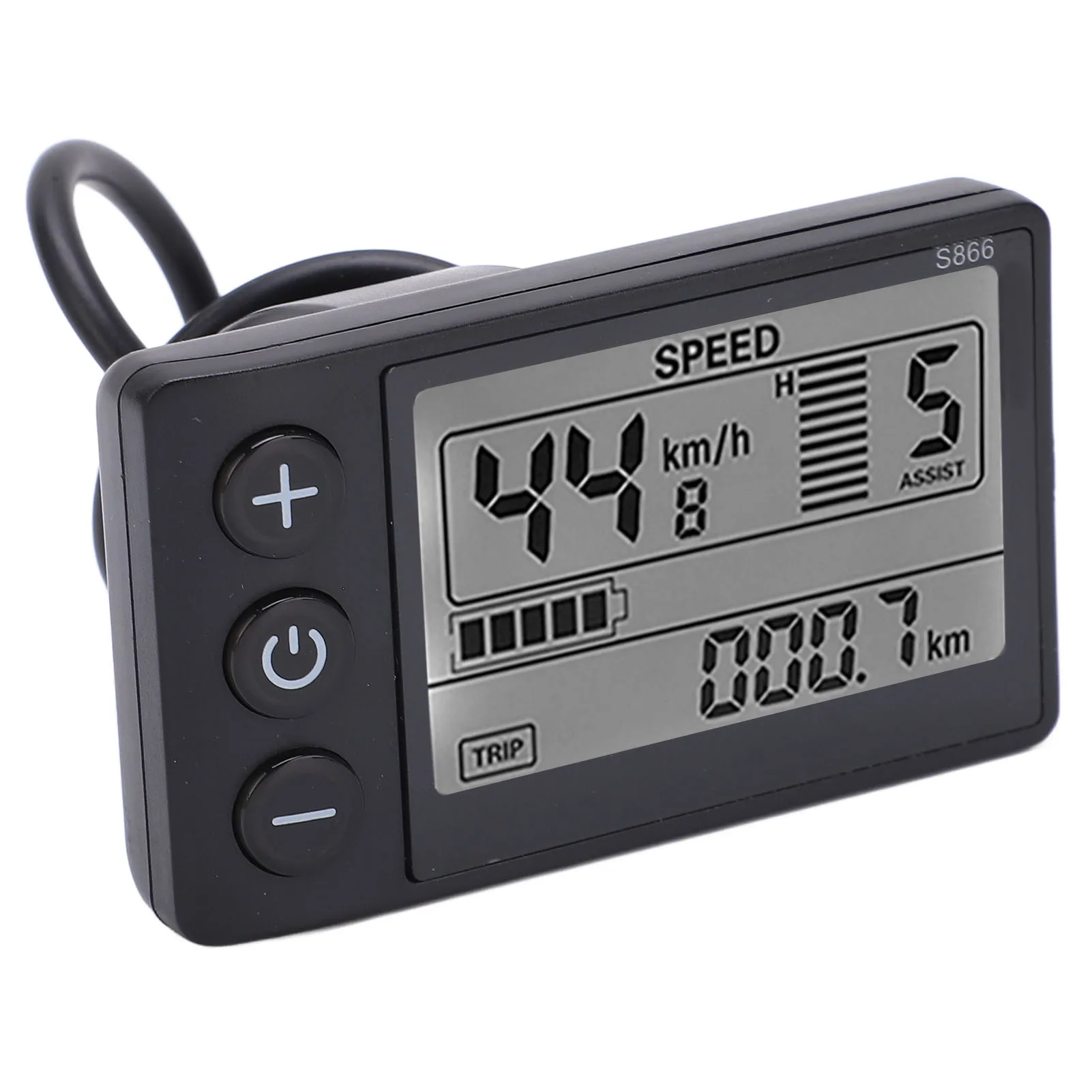
1.Wide Range of Uses: Easy to install and use, comes with LCD screen display bracket, suitable for 22.2mm/0.9in handlebars.
2.Premium Material: LCD display is made of premium ABS material and is lightweight, water resistant and high durability, and long service life.
3.Simple to Operate: Easy to install and disassemble, without any difficult requirements even though you use it for the first time.
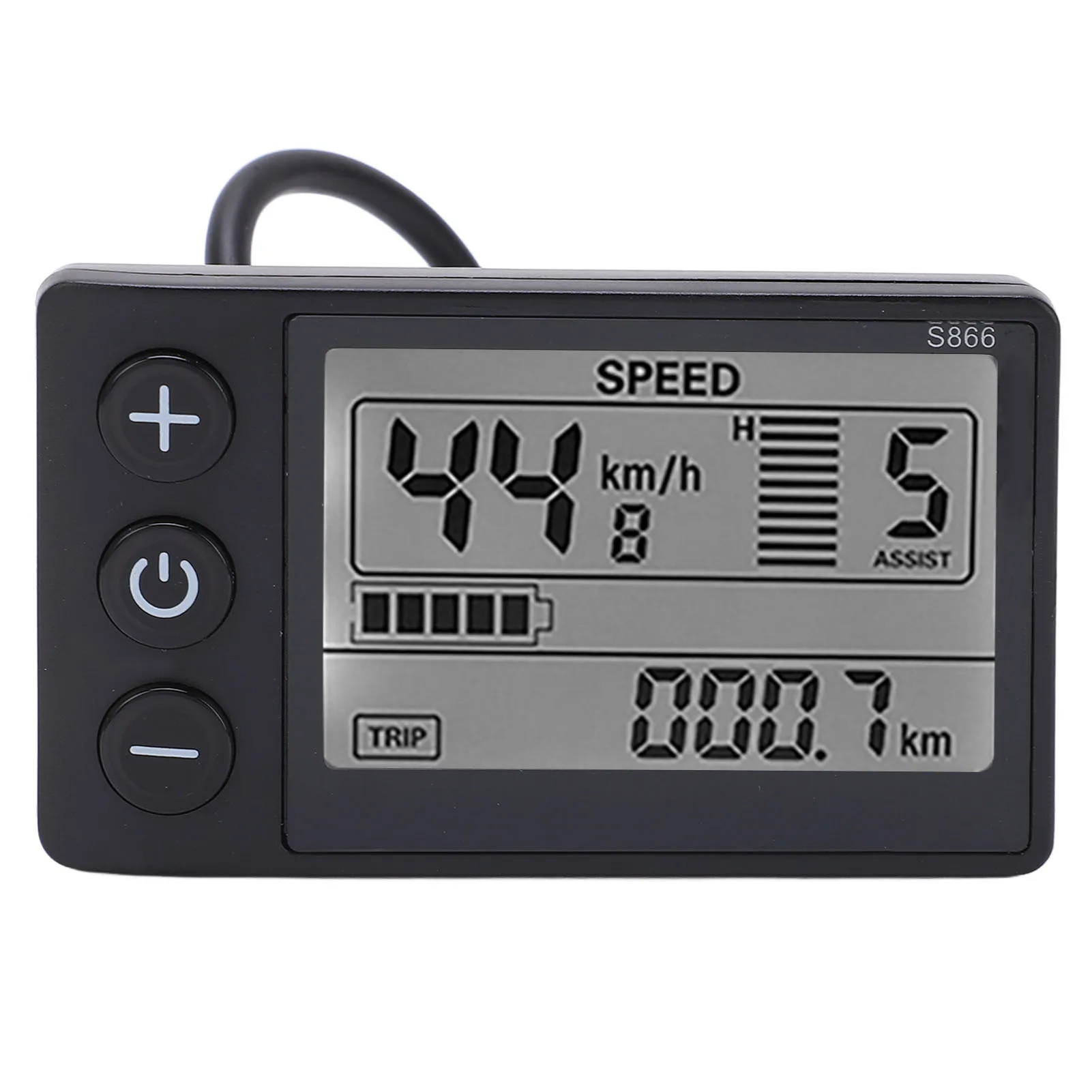
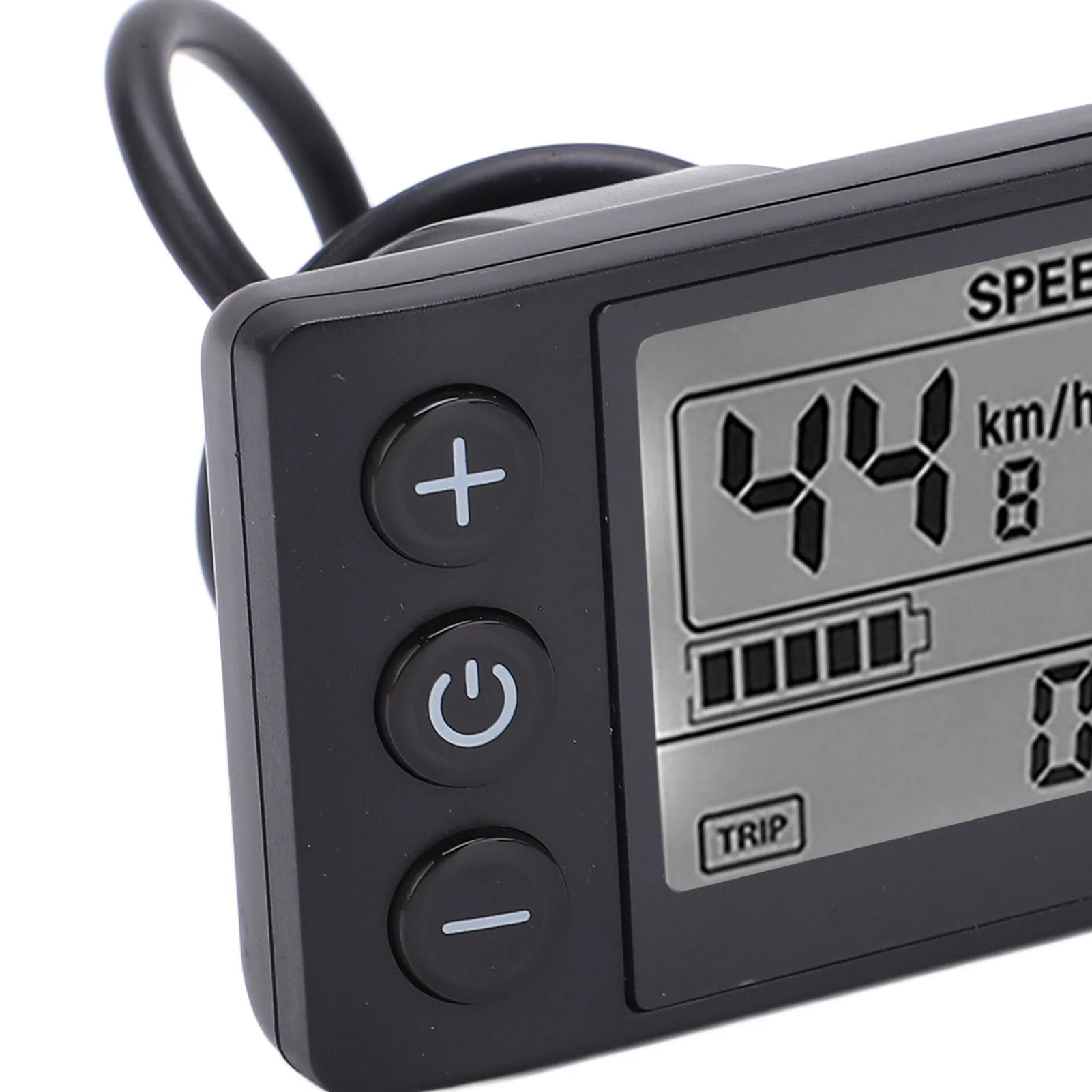
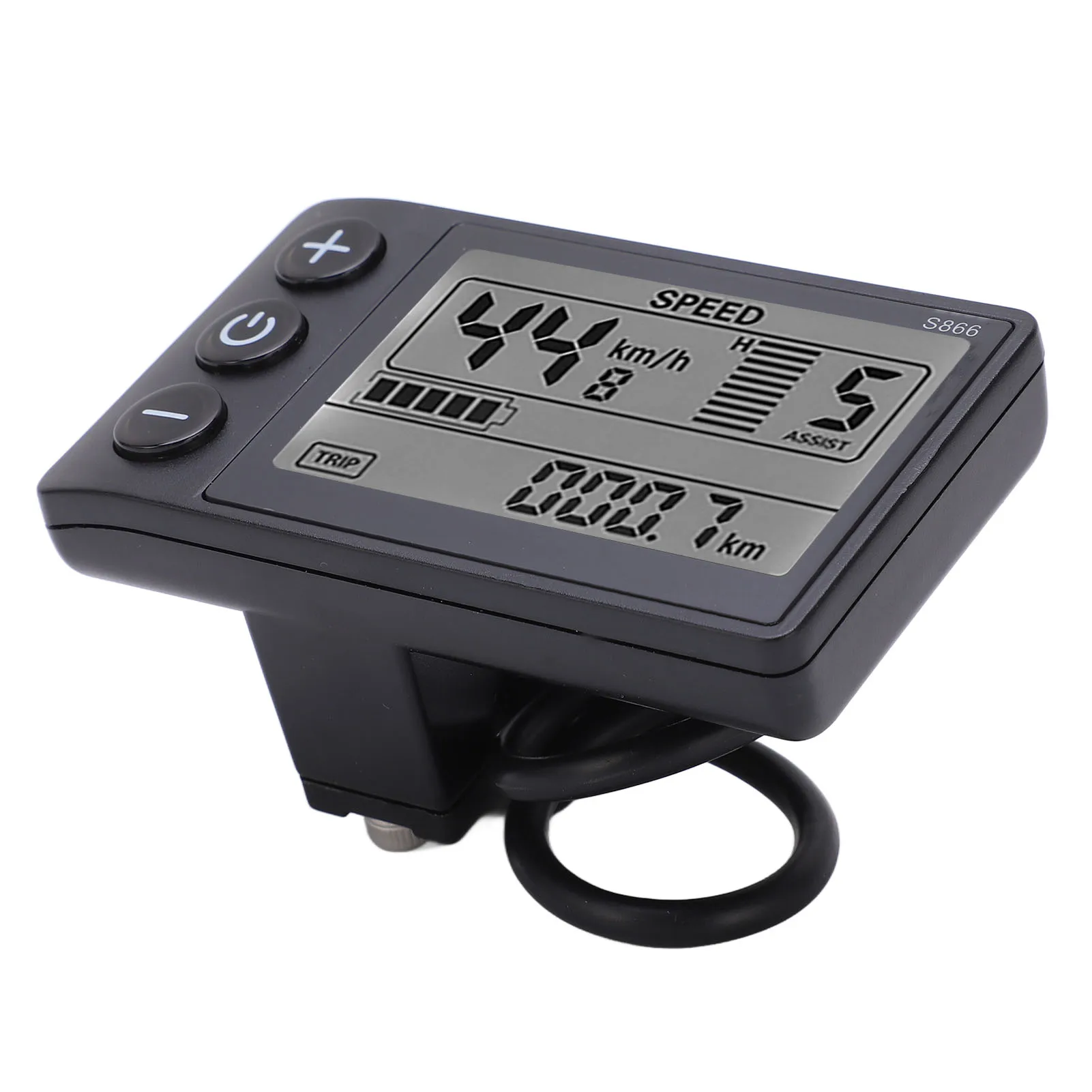
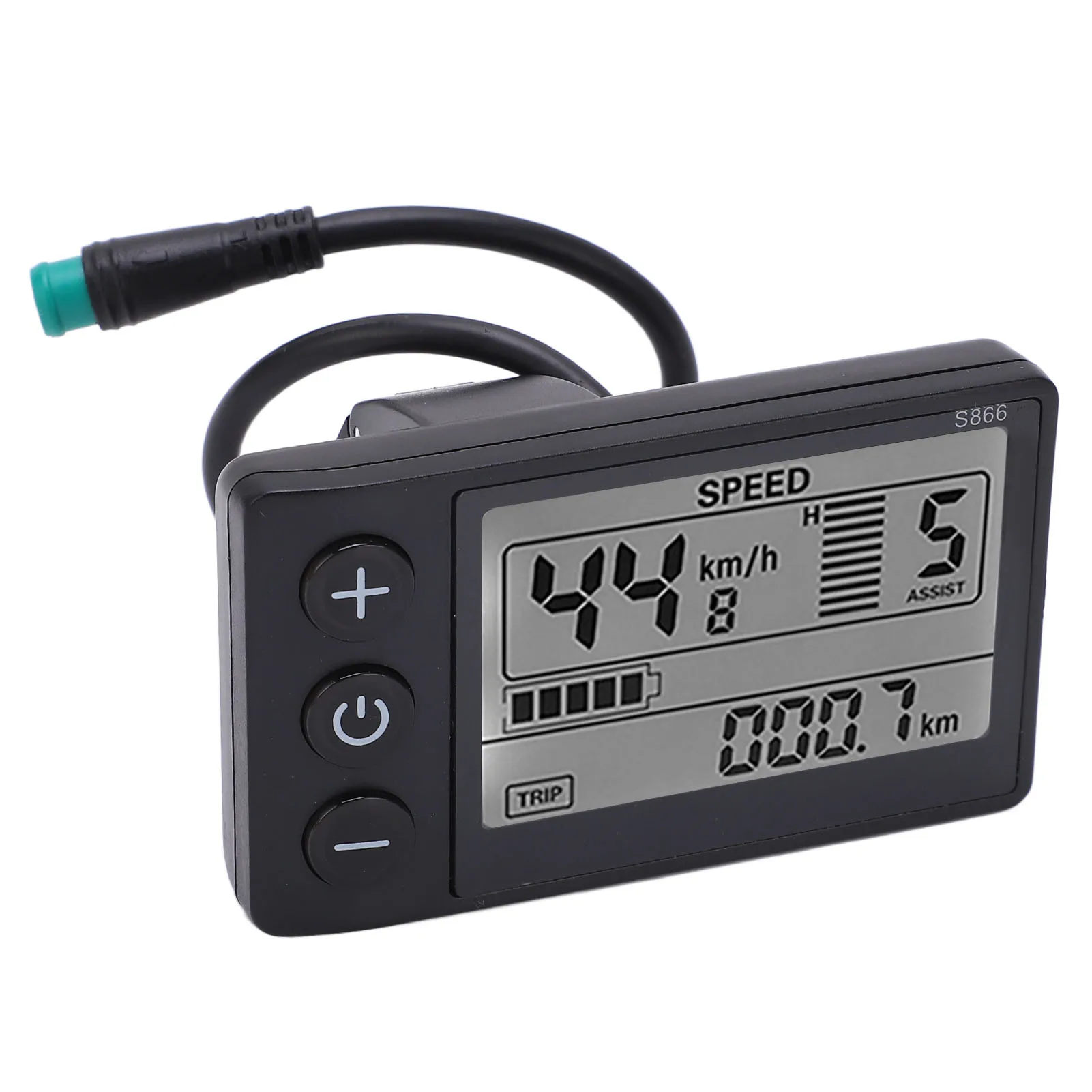
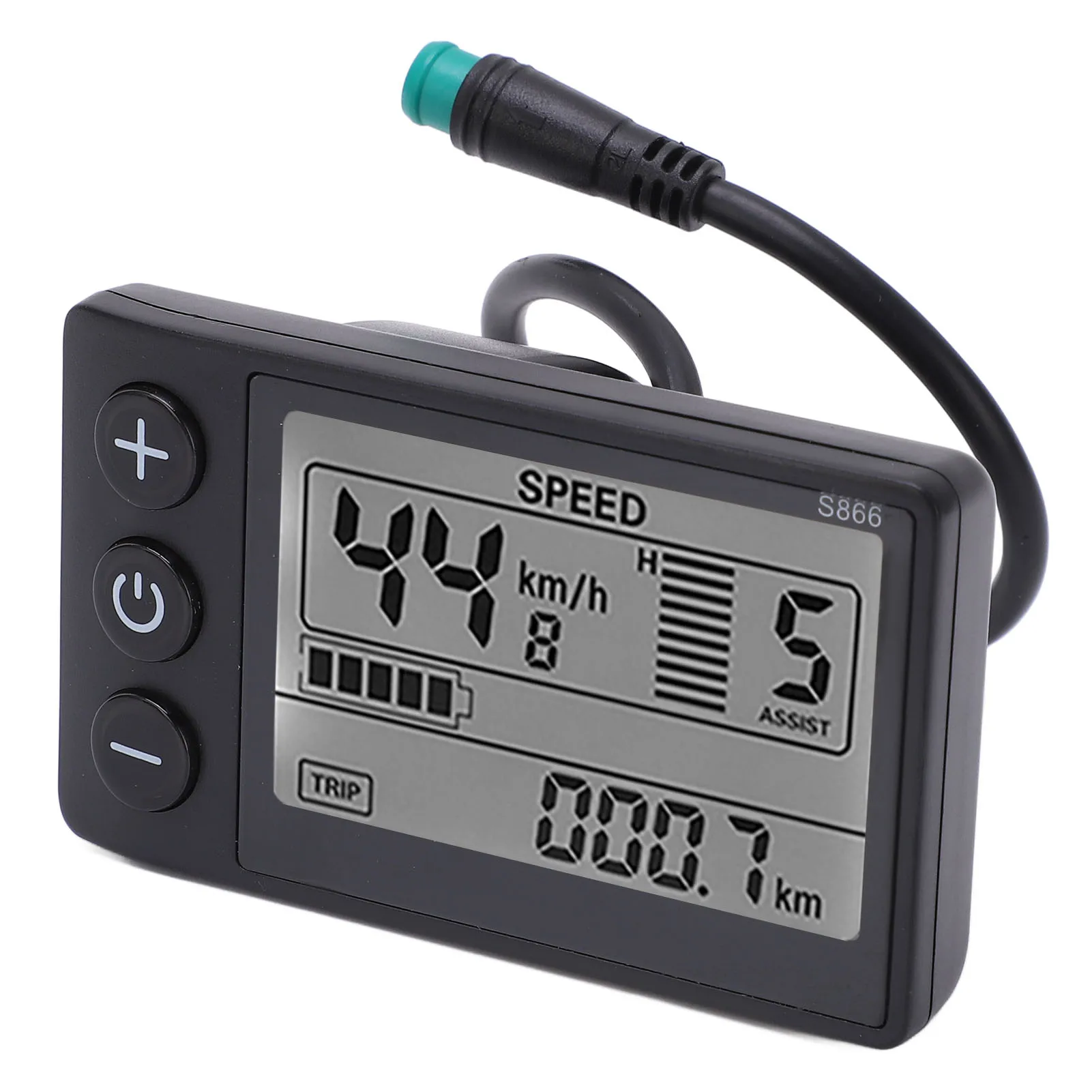
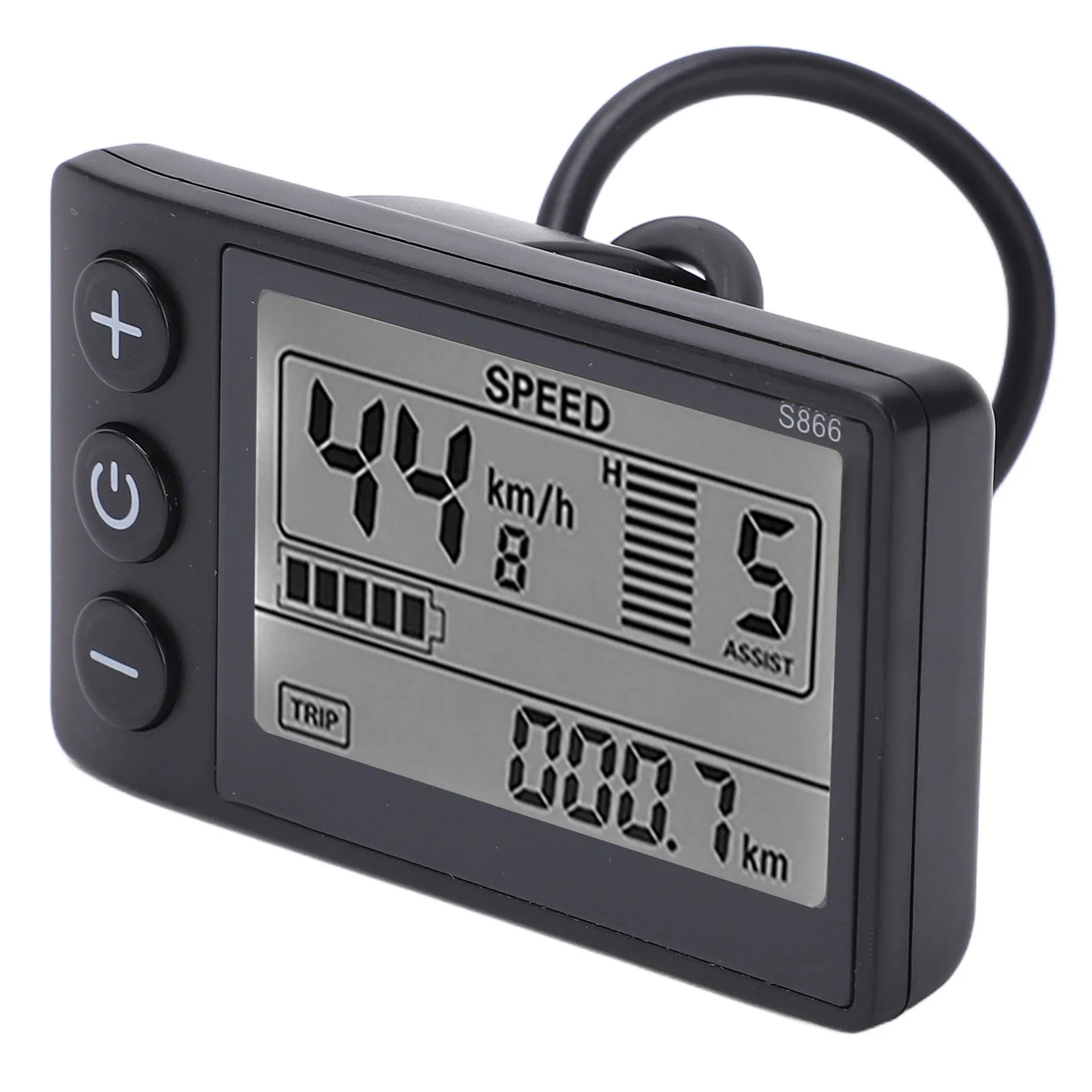
4.Large Screen: LCD display makes it easier for you to view the data on the panel, and the status is displayed on the large screen more intuitively.
5.See Clearly: The backlight allows you to see the screen clearly even in the dark environment, and the key operating is fast and convenient.
Specification:
Item Type: S866 LCD Display
Material: ABS
Color: As Pictures Shown
Water Resistant Grade: IP65
Communication Protocol: Communication Protocol No. 2
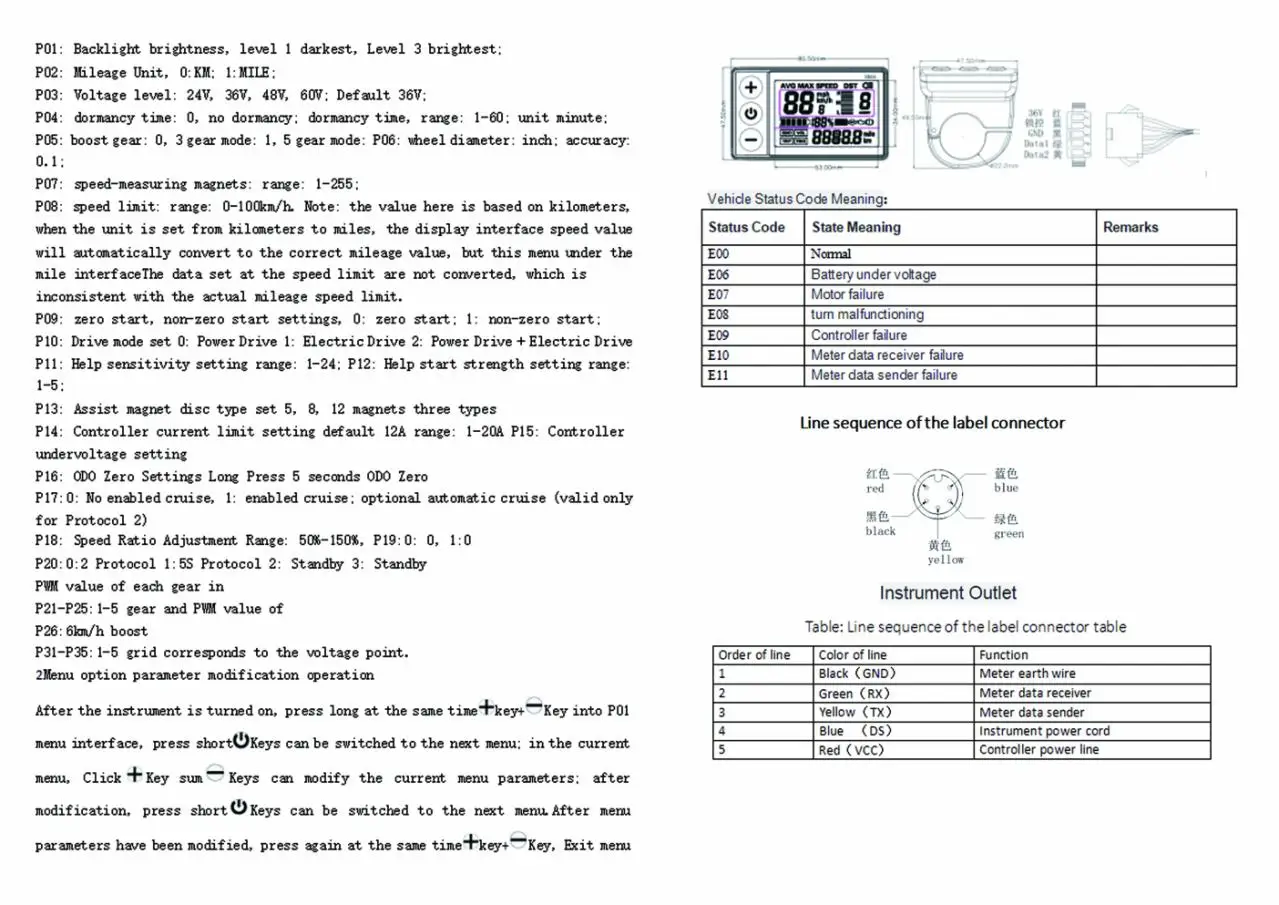
Matching Voltage: 24V, 36V (default), 48V adjustable (select the matching voltage in the P03 option)
Weight: Approx.106g/3.7oz
Bracket Diameter: Approx. 22.2mm/0.9in
Package List:
1 x S866 LCD Display
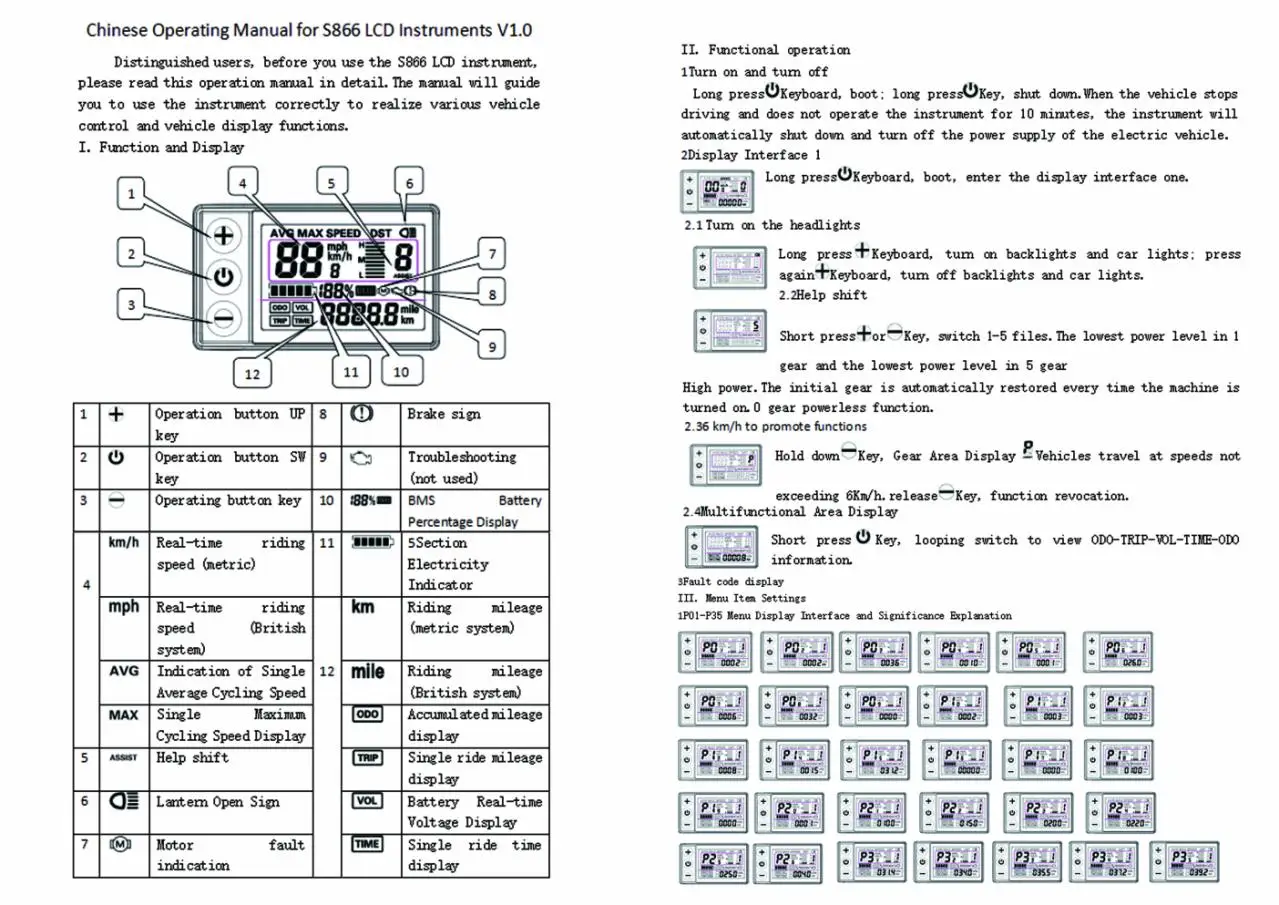
1 x Manual
Note:
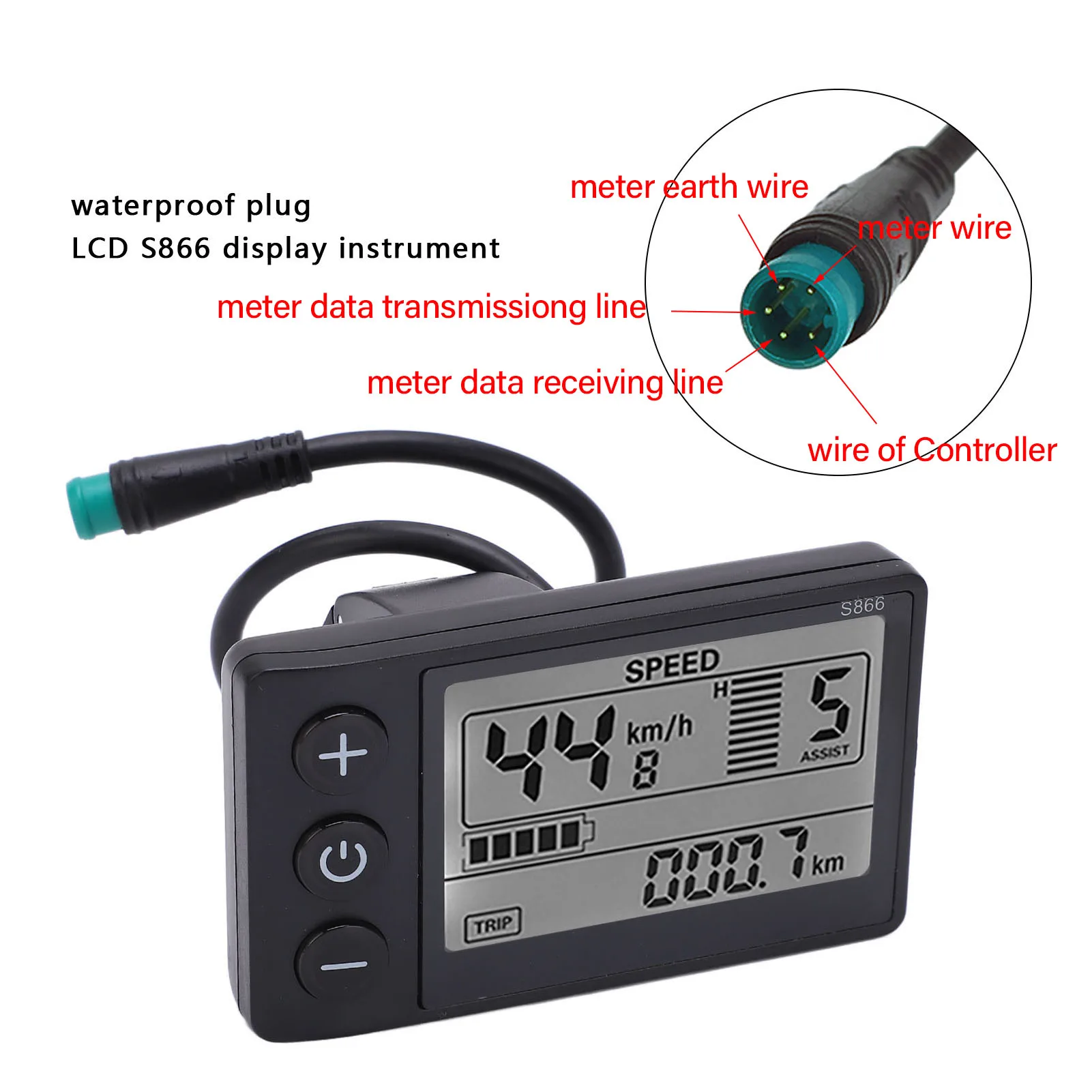
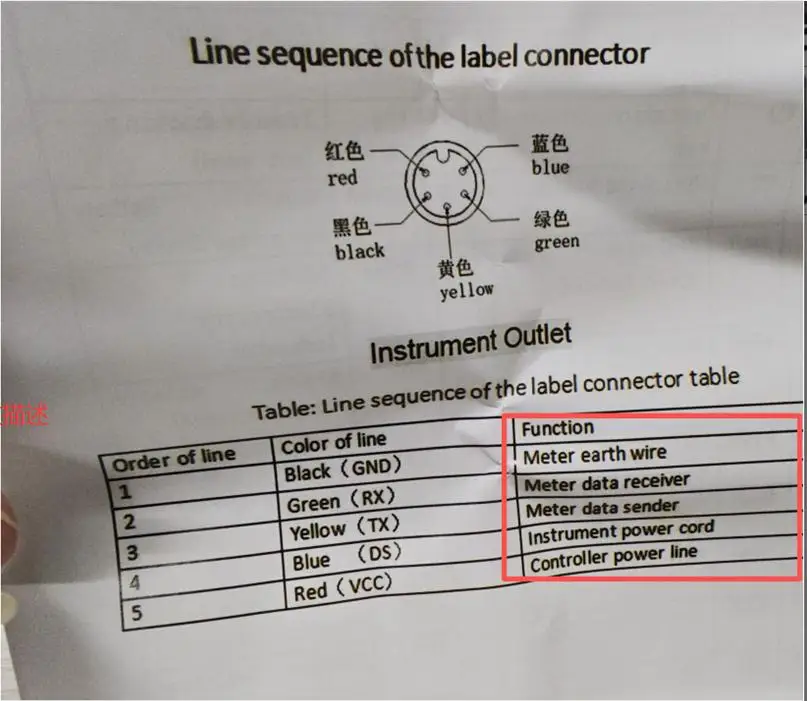
Please confirm with the original manufacturer of the electric vehicle before purchase whether the model of the instrument and controller (S866), wiring definition (see the promotional picture), and communication protocol (communication protocol No. 2) are compatible. Otherwise, incompatibility may occur.
FAQ Information:
Q1: FAQ27162200171110001
Question: How to operate the product?
Answer: Please contact the customer service to obtain the operation video.
Q2: FAQ27162200171110002
Question: What is the communication protocol of the instrument?
Answer: This is Protocol No. 2. The specific protocol file can be obtained from the customer service.
Q3: FAQ27162200171110003
Question: How to handle error E10?
Answer: 1. Check the connection port between the instrument and the controller, and check if there is any poor contact. Plug and unplug it; 2. Is the instrument connected to other controllers? This model only supports Controller with Protocol No. 2. Please pay attention.
Q4: FAQ27162200171110004
Question: What should I do if I forget the password of the instrument settings?
Answer: Reset the instrument password. The steps for resetting the password can be obtained from the customer service.
Q5: FAQ2716220017111 0005
Question: How to restore factory settings?
Answer: In the P16 parameter interface of the instrument, press and hold the minus key for 6 seconds to restore to factory settings.
Q6: FAQ27162200171110006
Question: How to connect the product?
Answer: The wiring instructions have been uploaded. Connect according to the correct wire color and hole position. Please contact the customer service to obtain them.
Q7: FAQ27162200171110007
Question: Tell me the wiring diagram, where is the connection wire, where are the pins, and is it XSD or JS? I'm interested in JS.
Answer: The wiring diagram is shown in the attachment. Please contact the customer service to obtain it.